


Viewing Audit History
Quickly view, sort and export all user actions associated with the imported Repair Planner document.
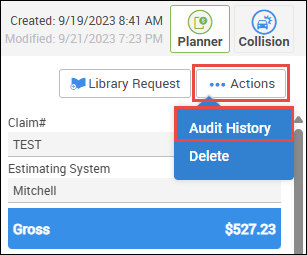
- Click Actions >> Audit History.
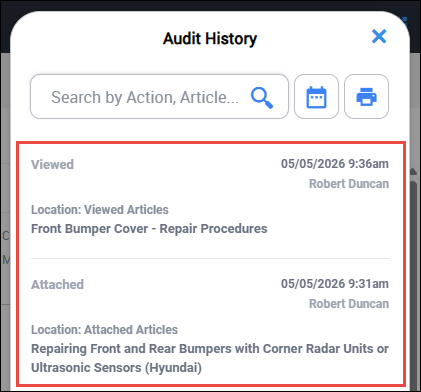
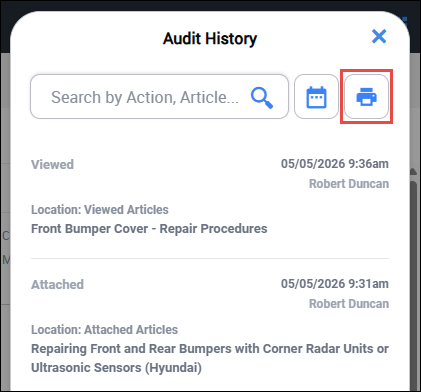
- View the most recent actions in the Audit History flyout.
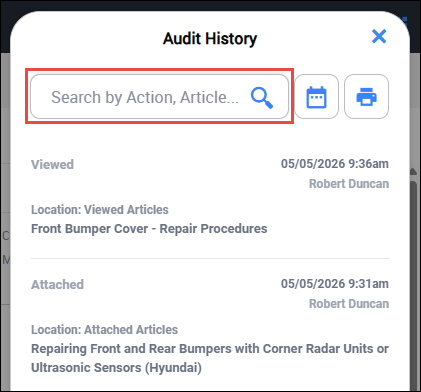
- Search for a specific action by entering a keyword.
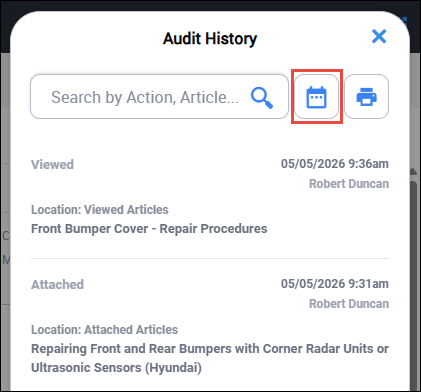
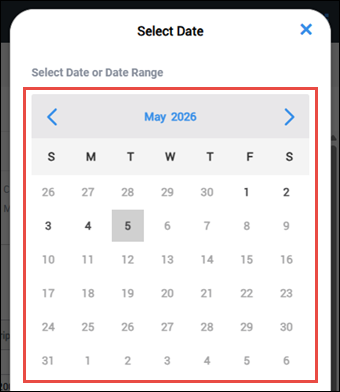
- Filter by entering a specific date range.
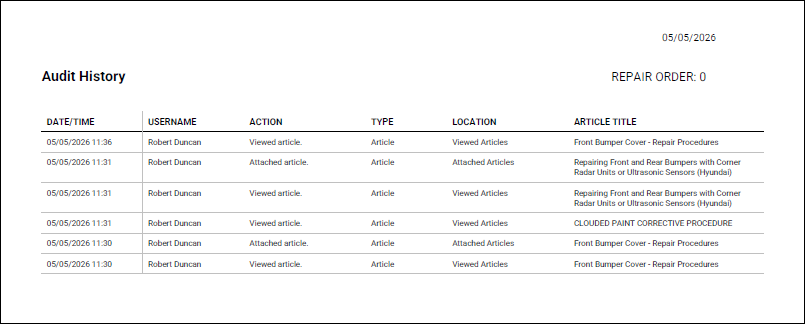
- Export to save or print a copy of the Audit History.
- Search for a specific action by entering a keyword.