

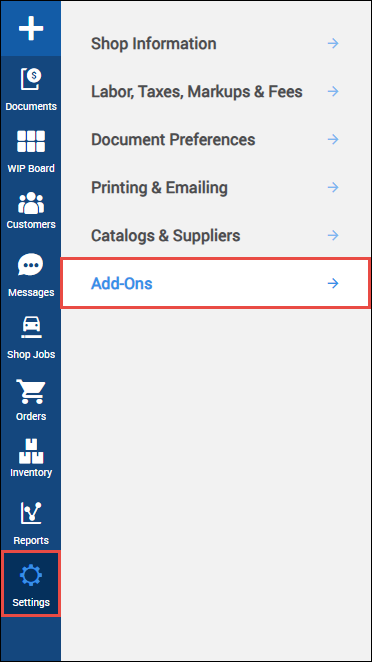
Add-Ons
NOTE - Some features and functions in this article are only accessible at certain Shop Manager subscription levels.
| Feature / Function | Shop Manager Pro | Shop Manager | Estimator |
|---|---|---|---|
myCARFAX
|  | |  |
QuickBooks Integration
| | | |
2-way texting | | | |
CARFAX Car Care
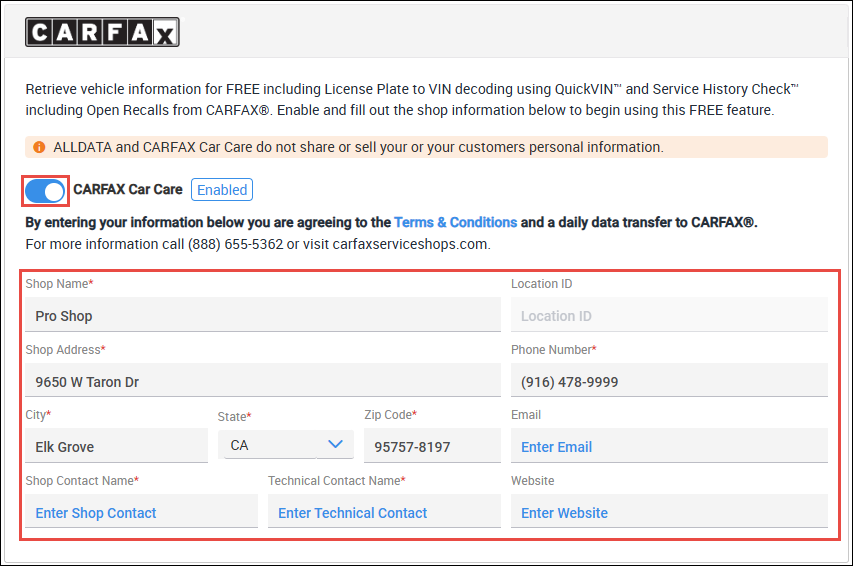
Retrieve vehicle information for FREE including License Plate to VIN decoding using QuickVIN™ and Service History Check™ including Open Recalls from CARFAX®.
- Enable CARFAX Car Care
- Fill in the required shop information
- Click Apply
Note: Allow 24 hours after enabling this feature to access QuickVIN™, Service History™ and Open Recalls™. Invoice data is transferred daily.
- Your activation and data transfer status will appear under the sign-up form along with the ability to manually send your data.

QuickBooks Integration
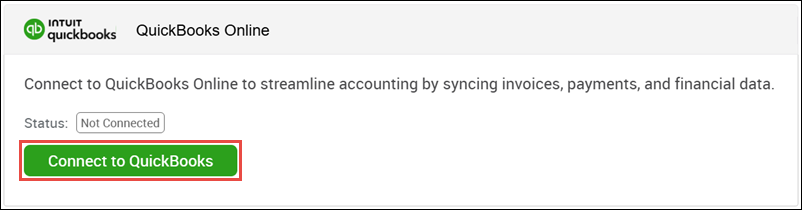
Export your Invoice, Payment and Refund Information directly to your QuickBooks Online system.
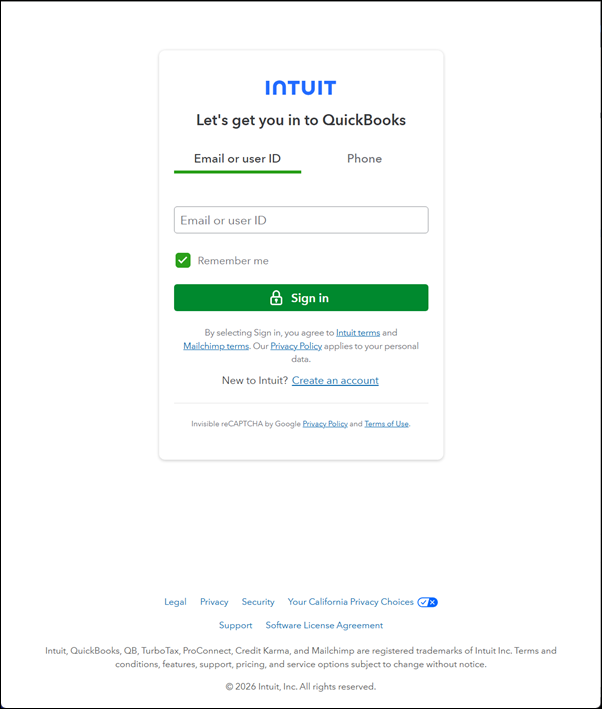
- Click Connect to QuickBooks.
- Sign in with your existing QuickBooks user credentials.
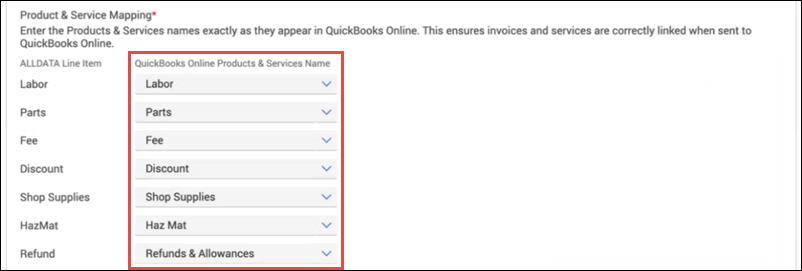
Once connected, you will need to assign line item types to the appropriate QuickBooks product or service.
- If you are unable to locate a corresponding item in a dropdown menu, you will need to create it your QuickBooks account prior to mapping.
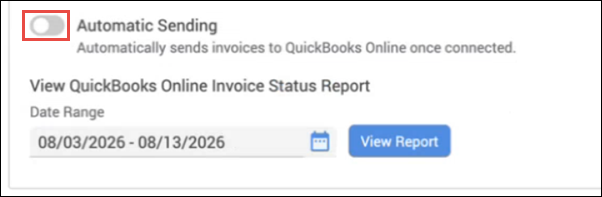
- Choose to automatically send your data to QuickBooks after each transaction, or manually export your data.
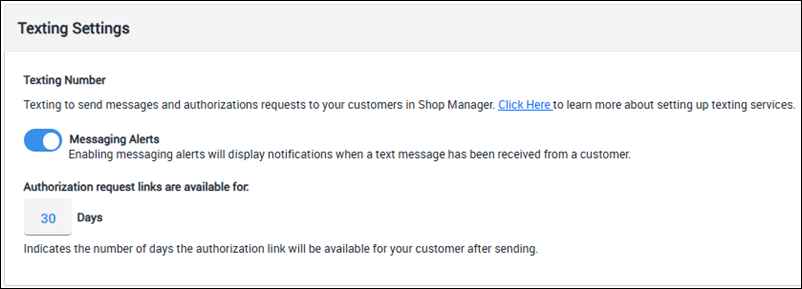
Texting Settings
Adjust text messaging display settings
- Texting Number - Set up your text messaging phone number to start using the Shop Manager Text Messaging service.
- Messaging Alerts - Enable to receive popup notifications when you receive text messages from customers.
Authorization request links are available for: - Set a time limit for when authorization links that have been texted to customers will expire.