

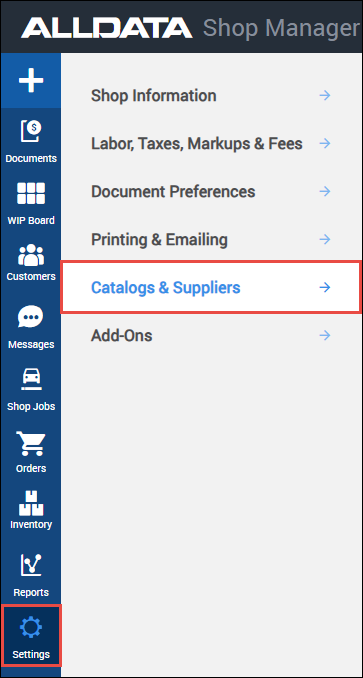
Catalogs & Suppliers
NOTE - Some features and functions in this article are only accessible at certain Shop Manager subscription levels.
| Feature / Function | Shop Manager Pro | Shop Manager | Estimator |
|---|---|---|---|
AutoZone Parts Ordering |  | | |
Nexpart Catalog | | |  |
Inventory | | | |
AutoZone
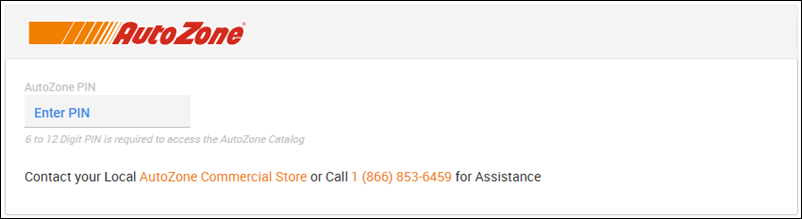
An AutoZone Catalog PIN is required to access AutoZone parts pricing information through Shop Manager.
Contact your local AutoZone commercial store or call 1-866-853-6459 to set up an account and to get credentials.
Note: If you do not enter a PIN, you will still have access to the AutoZone Catalog in Shop Manager with all available parts, however, the catalog will not display any part prices.
Nexpart
- Sign up for Nexpart Multi-Seller
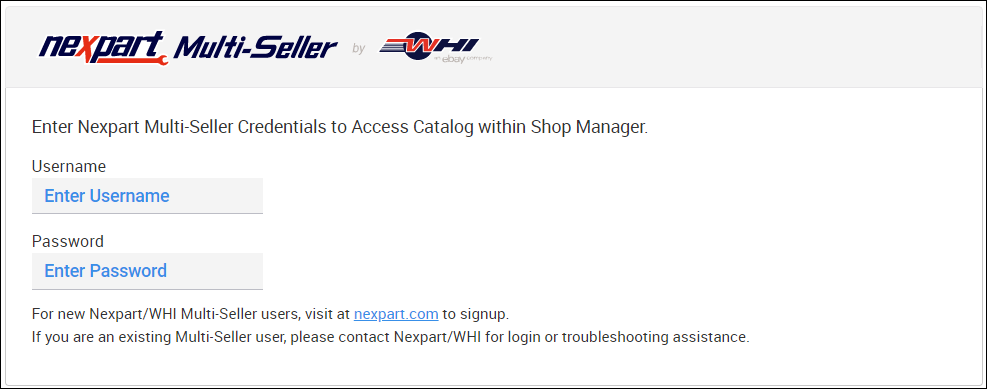
Enter your Nexpart Username and Password to enable access to the Nexpart Multi-Seller catalog in Shop Manager.
Suppliers
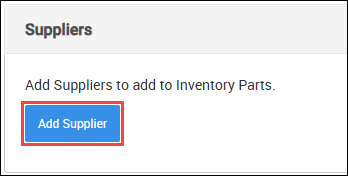
Add Suppliers to add and Track Inventory Parts
- Click Add Supplier.
- Fill in as much supplier information as possible then click Add.
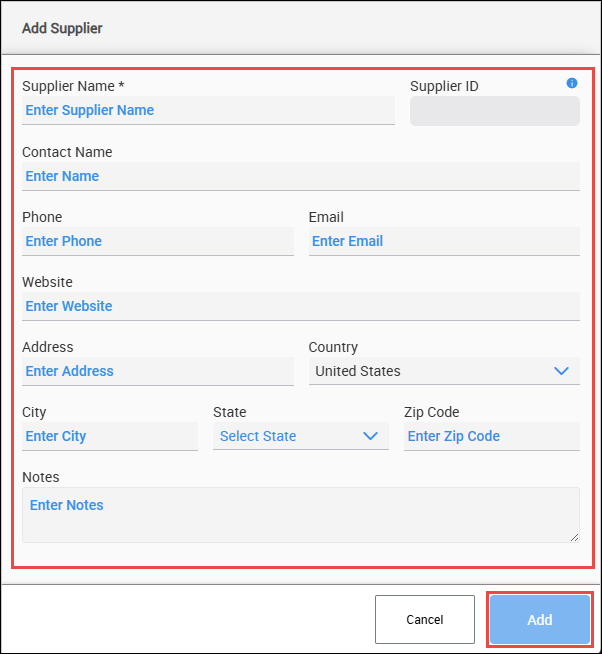
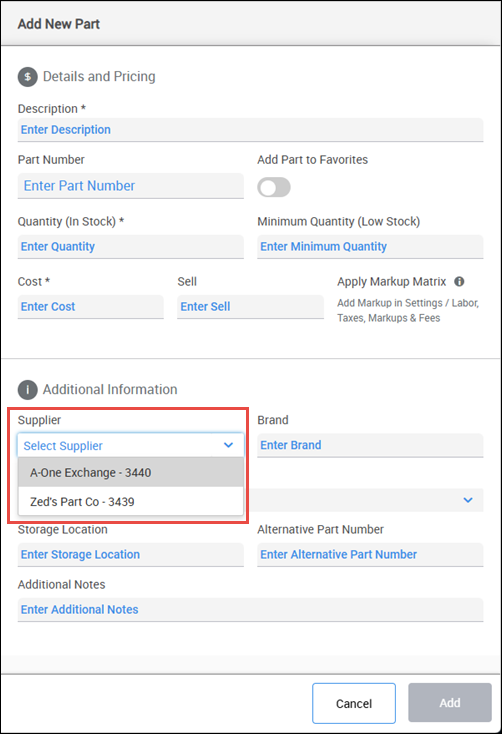
- Suppliers added here will now be selectable when adding parts to your Inventory.