


Inspections Text Messaging
NOTE - If you have already set up two-way texting in Shop Manager, you do not need to complete a separate setup/registration process for Inspections.
Text customers a link to view their digital inspection sheets directly on their phone
Set Up Inspections Texting
NOTE - The registration process has strict requirements mandated by the mobile carriers that apply to all text-messaging service providers.
To start the registration process:
- Click the link to learn more about Inspections Texting.
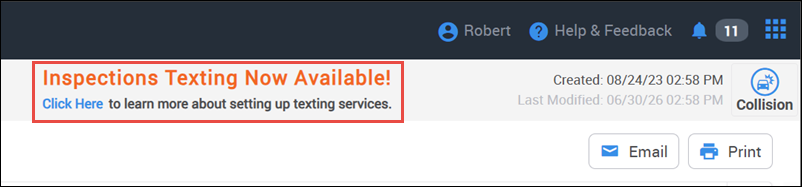
- You will be taken to the texting registration assistance page that includes all the necessary requirements to set up and start using the texting feature.
- Check the boxes next to each line item to confirm that you have gathered all of the required information >> then click the arrow to continue.

- Fill out your business contact information and click the arrow at the bottom of the page to submit.
- An ALLDATA representative will contact you during your next available time slot within 48 hours during working days, Monday through Friday, in order to collect and submit your information for phone number registration.
- Once your information has been submitted, the approval process could take up to 2-3 weeks.
- Once approved, an ALLDATA representative will finalize the setup and contact you when you can start sending texts.
Send a Text
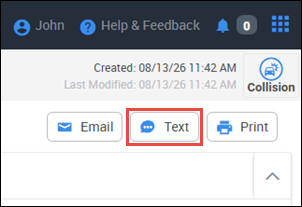
- Select the Text button.
- Verify/select the contact you want to send a message to >> click Send.
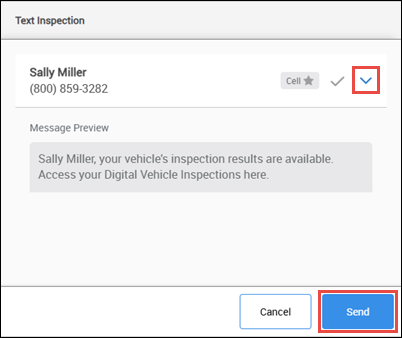
- The recipient will receive a link to view their inspections on the ALLDATA customer web portal.

- The recipient will receive a link to view their inspections on the ALLDATA customer web portal.