

Using Shop Manager in the ALLDATA mobile app
NOTE - Some features and functions in this article are only accessible at certain Shop Manager subscription levels.
| Feature / Function | Shop Manager Pro | Shop Manager | Estimator |
|---|---|---|---|
ALLDATA Mobile App Compatible |  | |  |
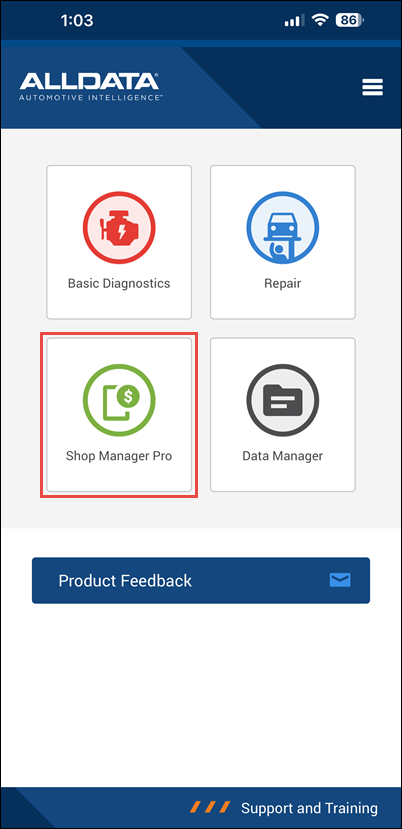
Access ALLDATA Shop Manager Pro in the ALLDATA mobile app
Download the Mobile App
- Open your devices' app store.


- Search for "ALLDATA".
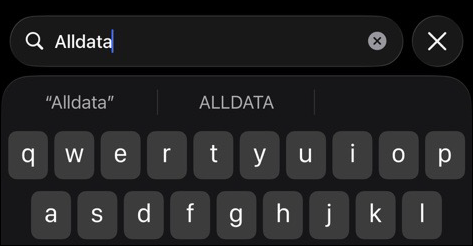
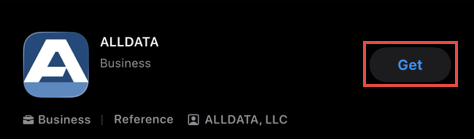
- Locate and install the app.
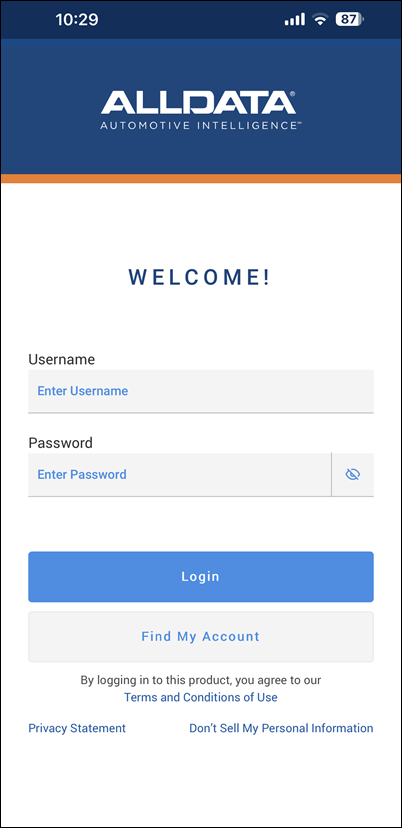
- Log in with the same Username and Password that you use to access my.alldata.com.
Basic Navigation
Menu Navigation
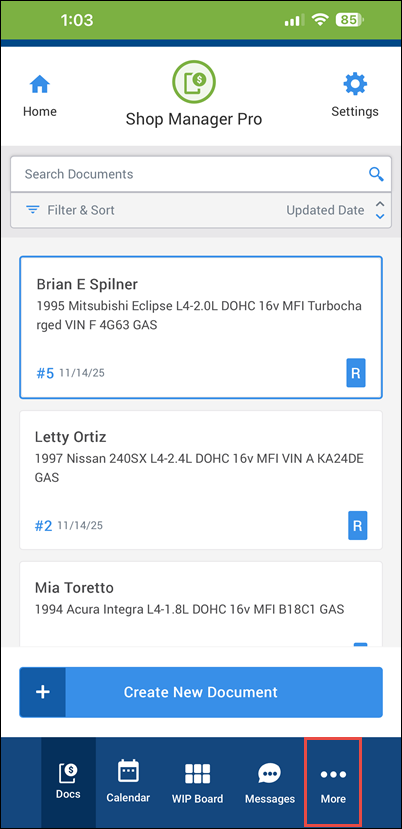
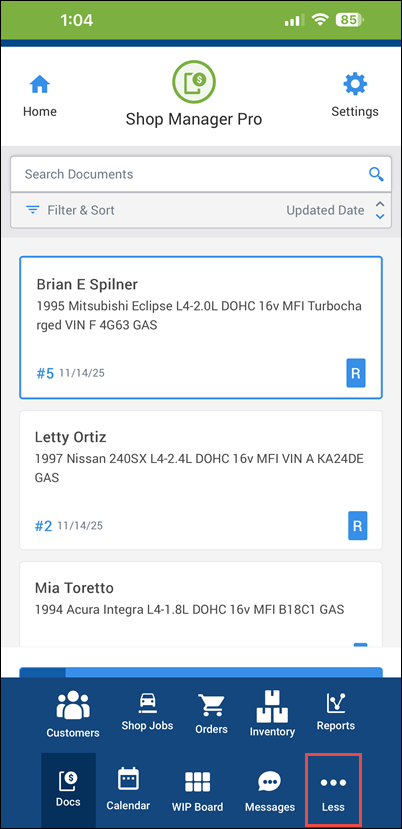
- Use the navigation bar at the bottom to move between the main areas of Shop Manager.
- Tap More / Less to expand and contract the full menu option list.
Settings
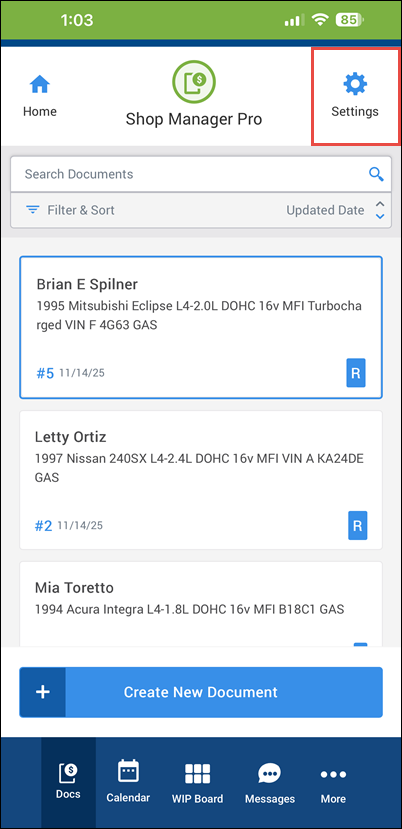
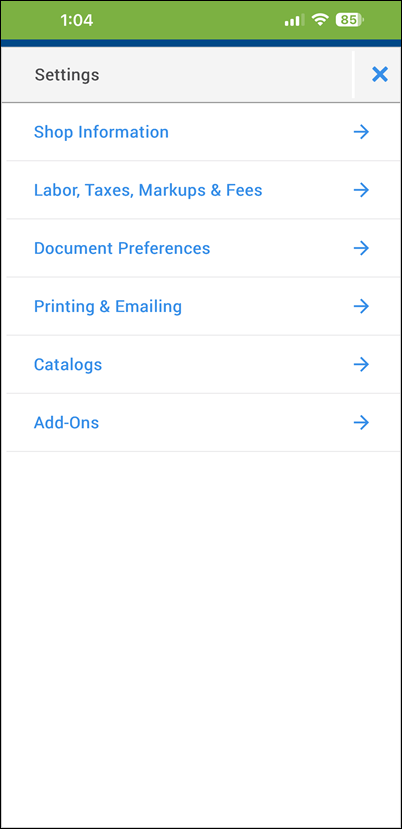
- Access the Settings menu from the upper header.
Document Features
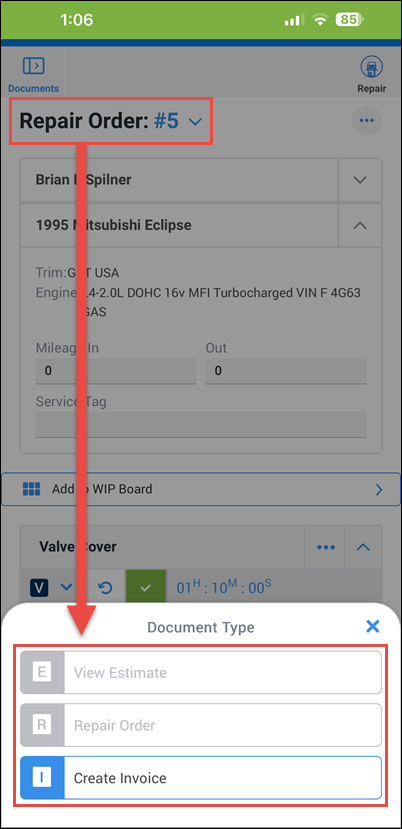
Change Document Type
- Tap the current document type >> select a new document type from the menu.
Add Item
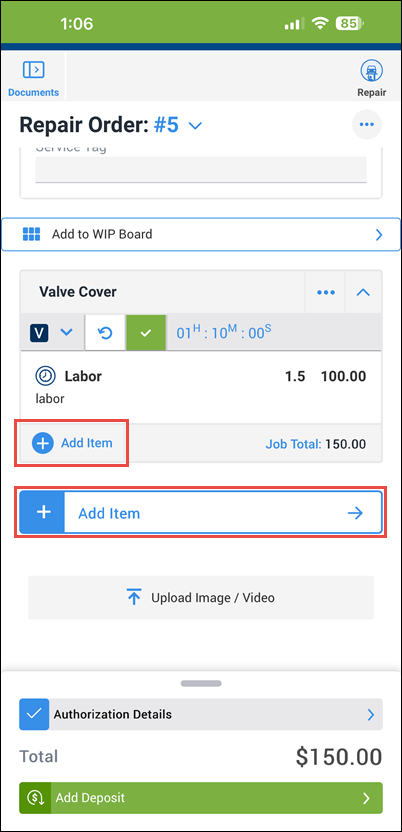
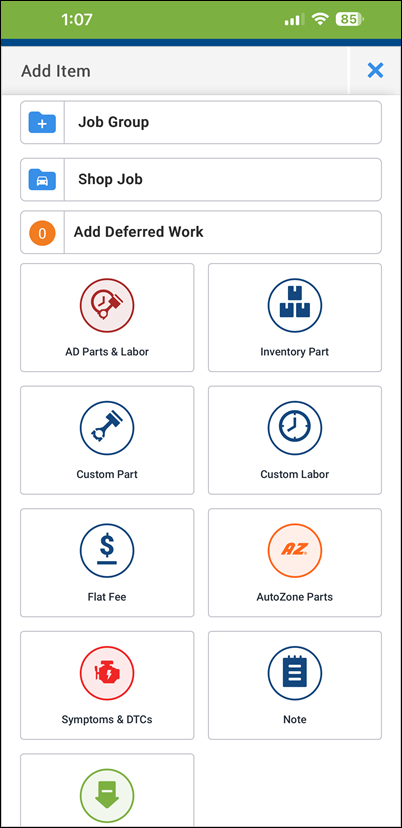
- Tap + Add Item on an existing job group to add items to it, or the larger + Add Item button to add Job Groups, Shop Jobs, Deferred Work, or stand alone line items.
Document Actions
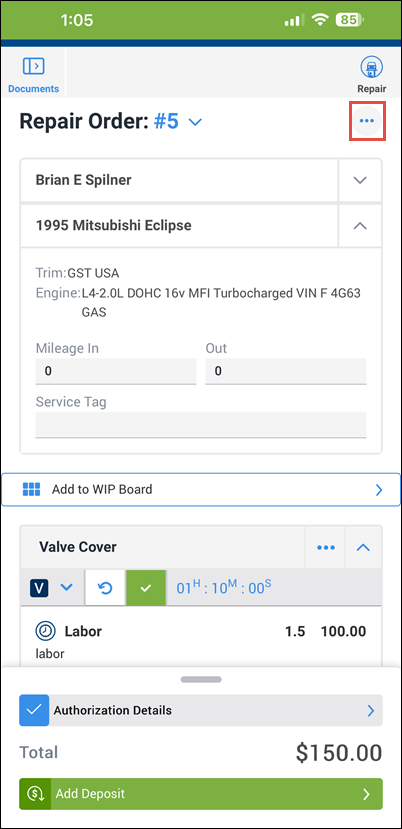
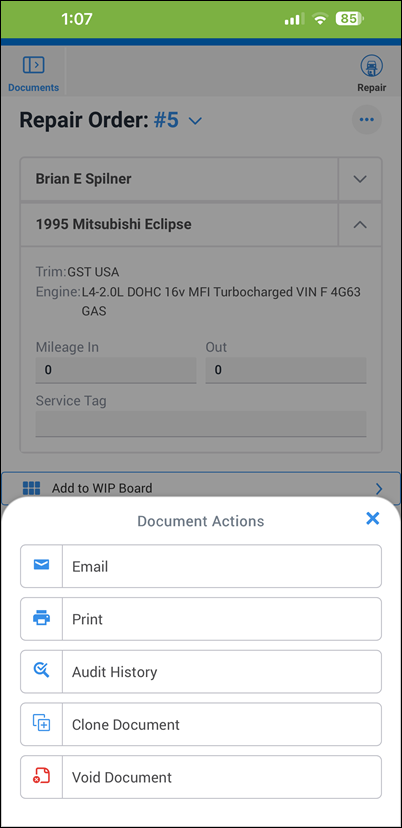
- Tap the ellipses button to open the Document Actions menu.
Document Details
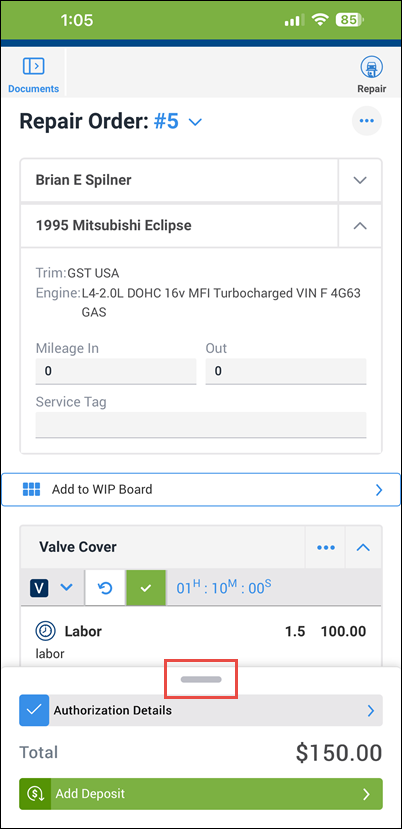
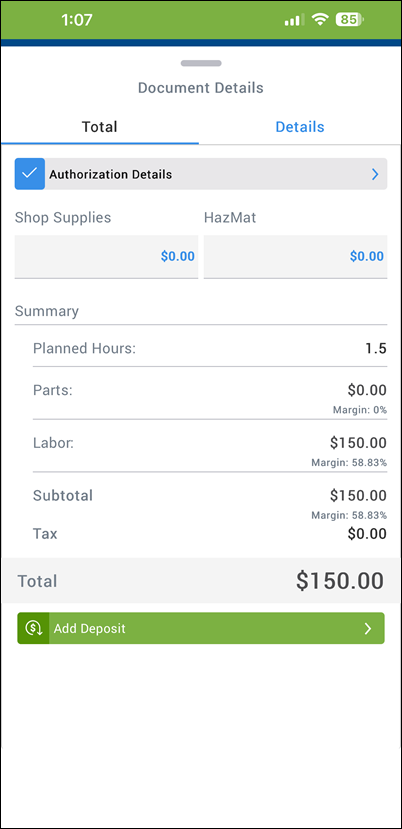
- Tap the top of the Document Details tab to expand the view and see document Total as well as HazMat and Shop Supplies fees.
Technician Time Tracking
Note: Users with Technician permissions are limited to timer functions only.
Track Technician Time
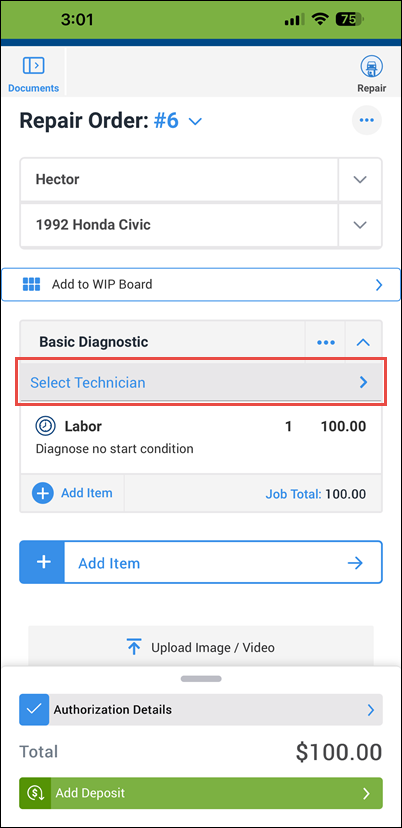
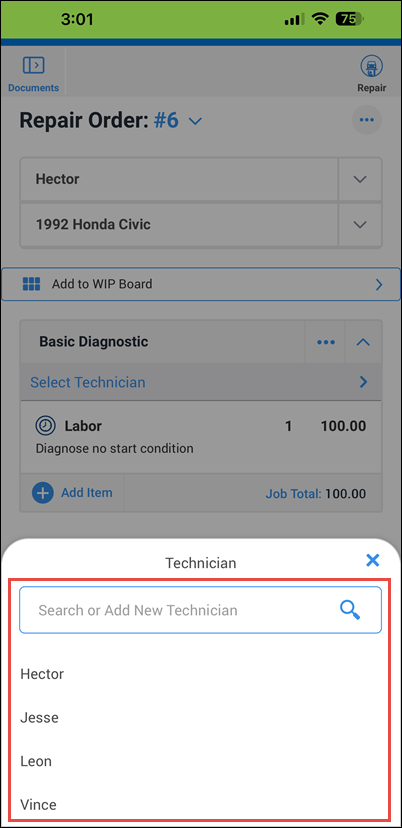
- Tap to Select a Technician.
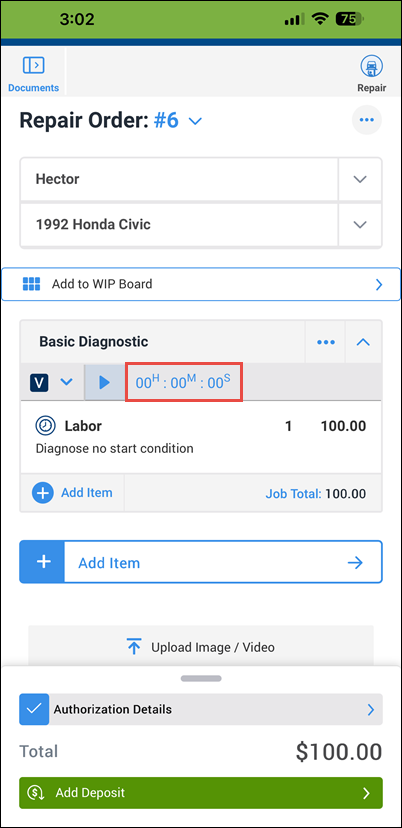
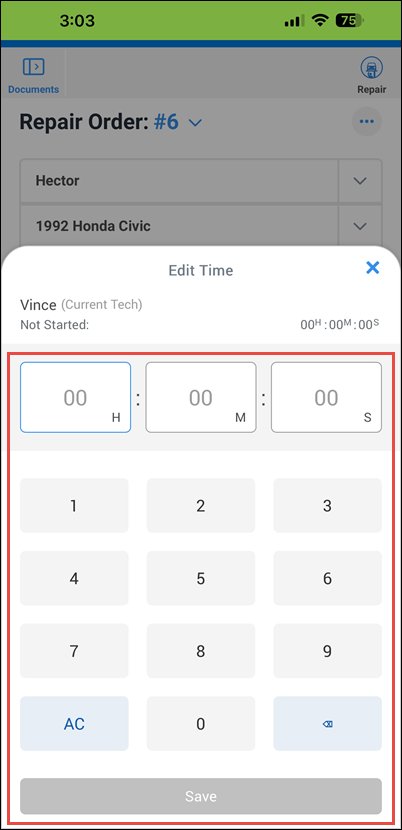
- Tap the counter to manually enter a time.
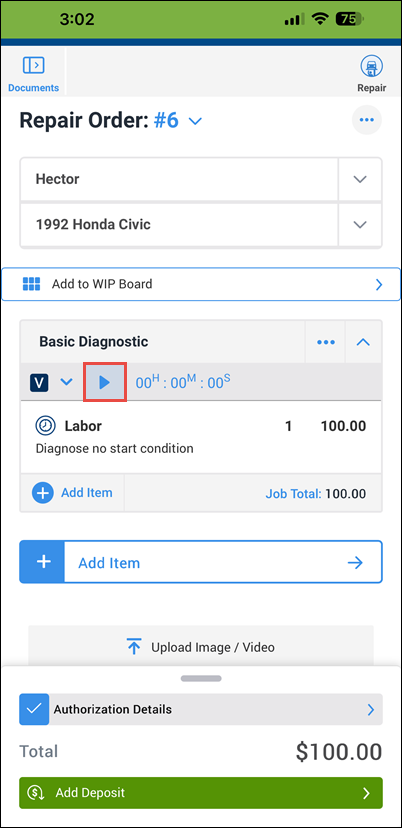
- Tap the Play button to start the timer.
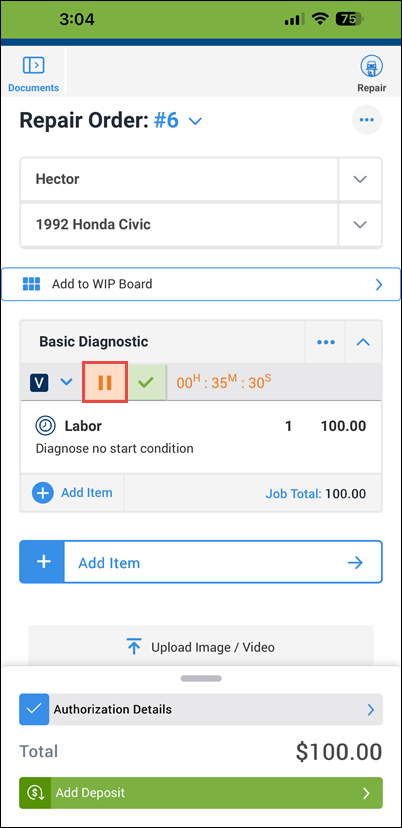
- Tap to Pause the timer.
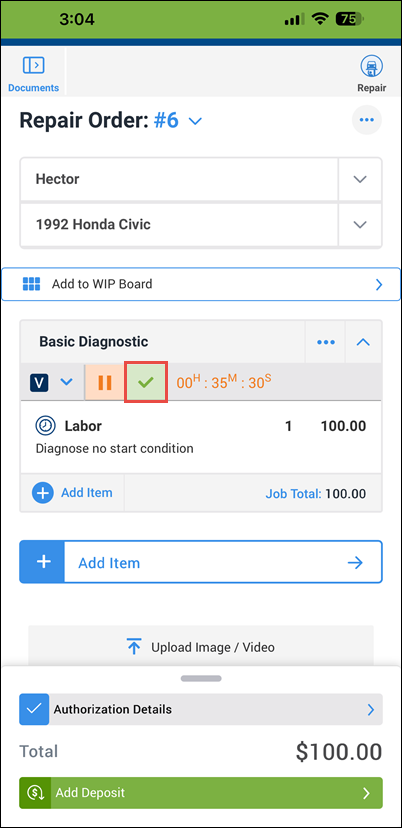
- Mark the Job as complete.
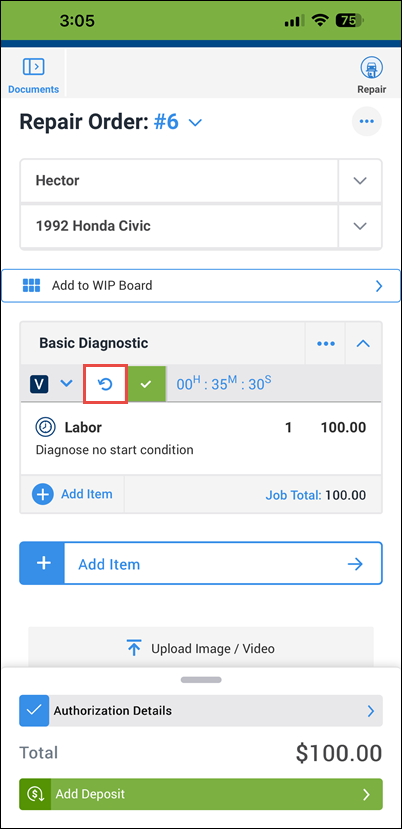
- Reopen (unlock) a completed job.
Extras
VIN Lookup
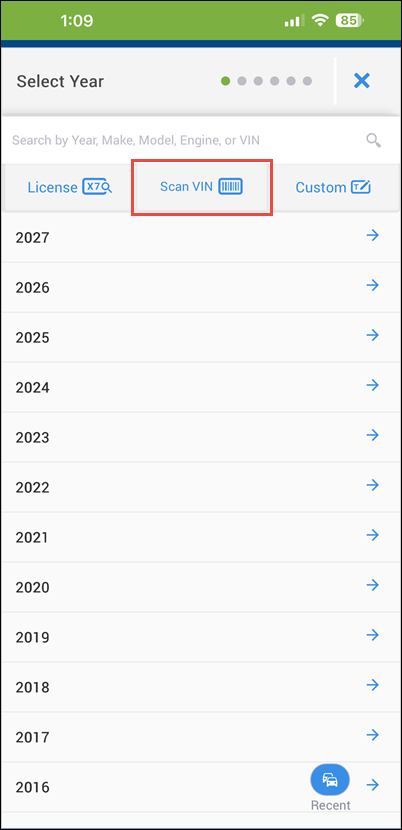
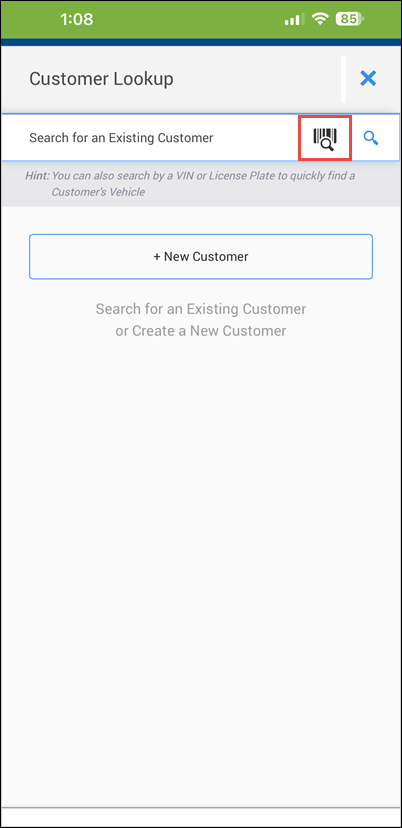
- Select vehicles or look up customer accounts using your mobile device's camera to scan VIN barcodes.